BuddyPress
User photos on profile page
Requires version 9.1.07 or later
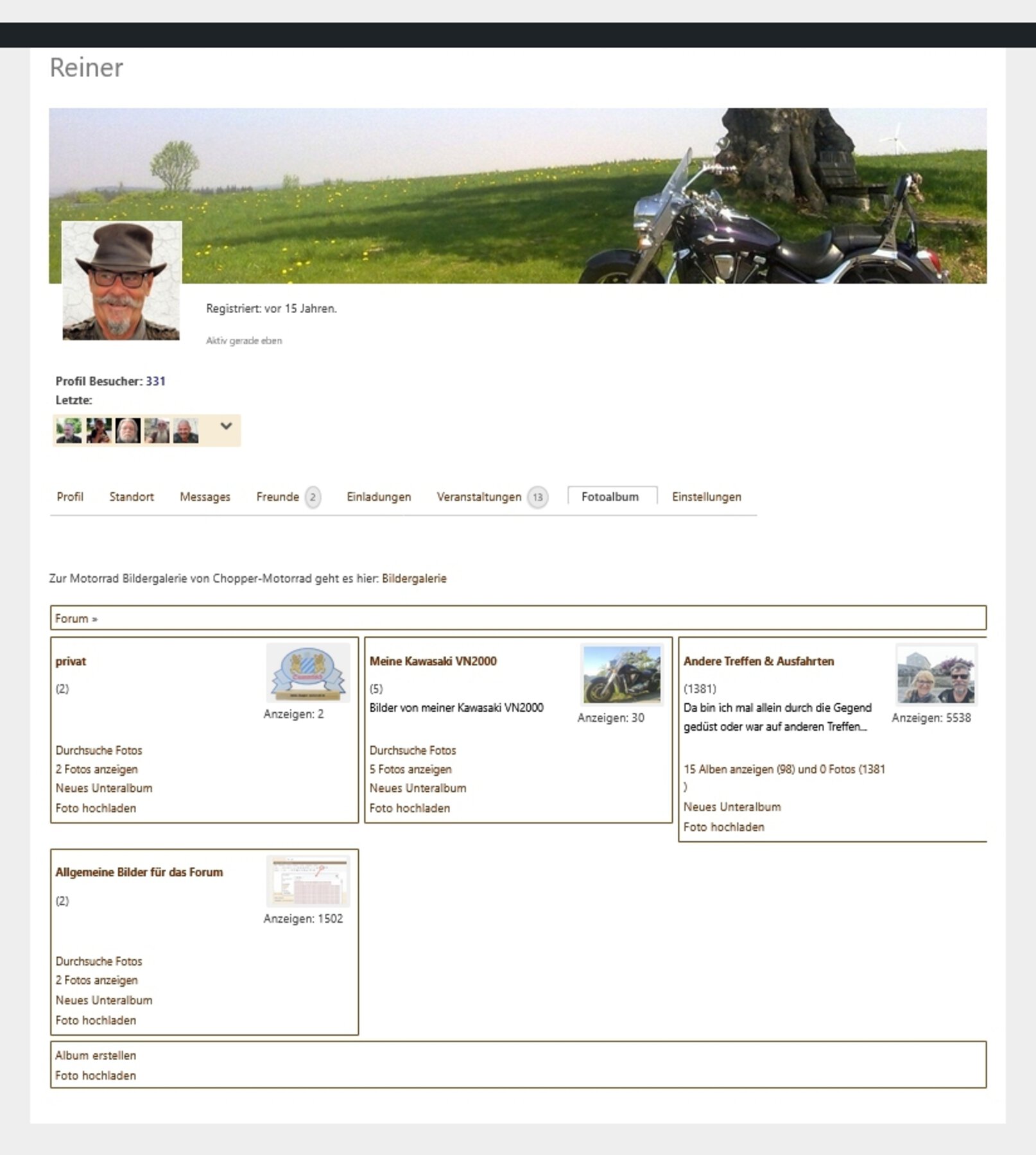
If you have Buddypress and you want to display the users albums or photos on his profile page, there is a special virtual album specification: #bpuser.
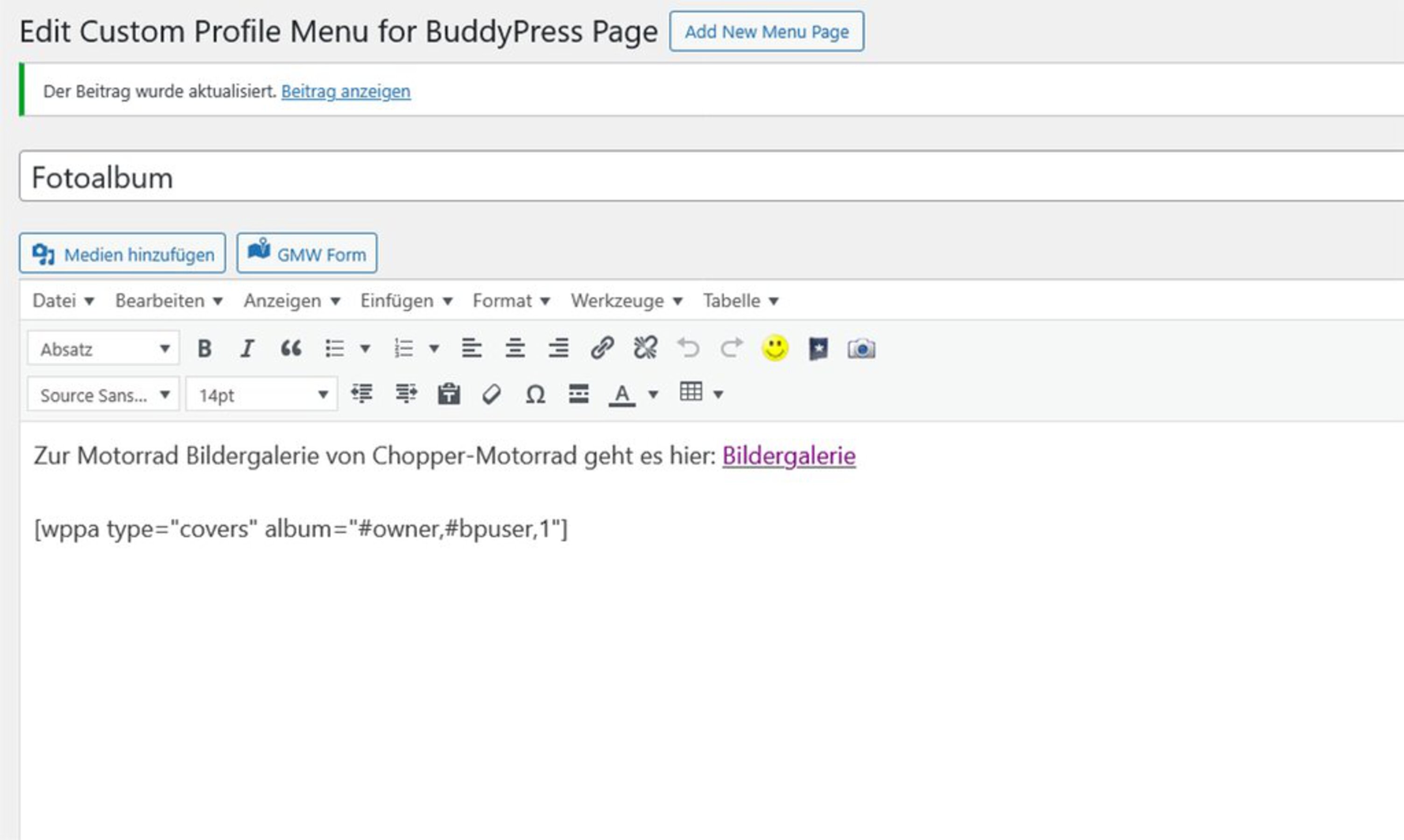
You will need also plugin BP Custom Menu to implement as shown below.
Examples: [wppa type="covers" album="#owner,#bpuser,1"] to get the covers of all the bp users albums, being children of allbum number 1 (see screenshots),
[wppa type="thumbs" album="#upldr,#bpuser,17"] to get all the thumbnails of the bp user that reside in subalbums album number 17
Domain links
If you want usernames to become links to their respective domain page, tick Advanced settings -> Misc -> IV: Other plugins related settings -> Item 10: Domain links BuddyPress.
This causes the usernames as appearing behind photo names in parenthesis to become the links, if: 1. Basic settings -> Slideshow -> I: Sllideshow component specifications -> Item 18: Add (Owner) is ticked and 2. No download link has been set in Basic settings -> Links -> IV: Other links -> Item 1: Download Link (aka Art Monkey link).
The keyword w#owner in album and photo descriptions will also become links to the user domain.
Likewise, the usernames at the comments on photos will be links to the domain.