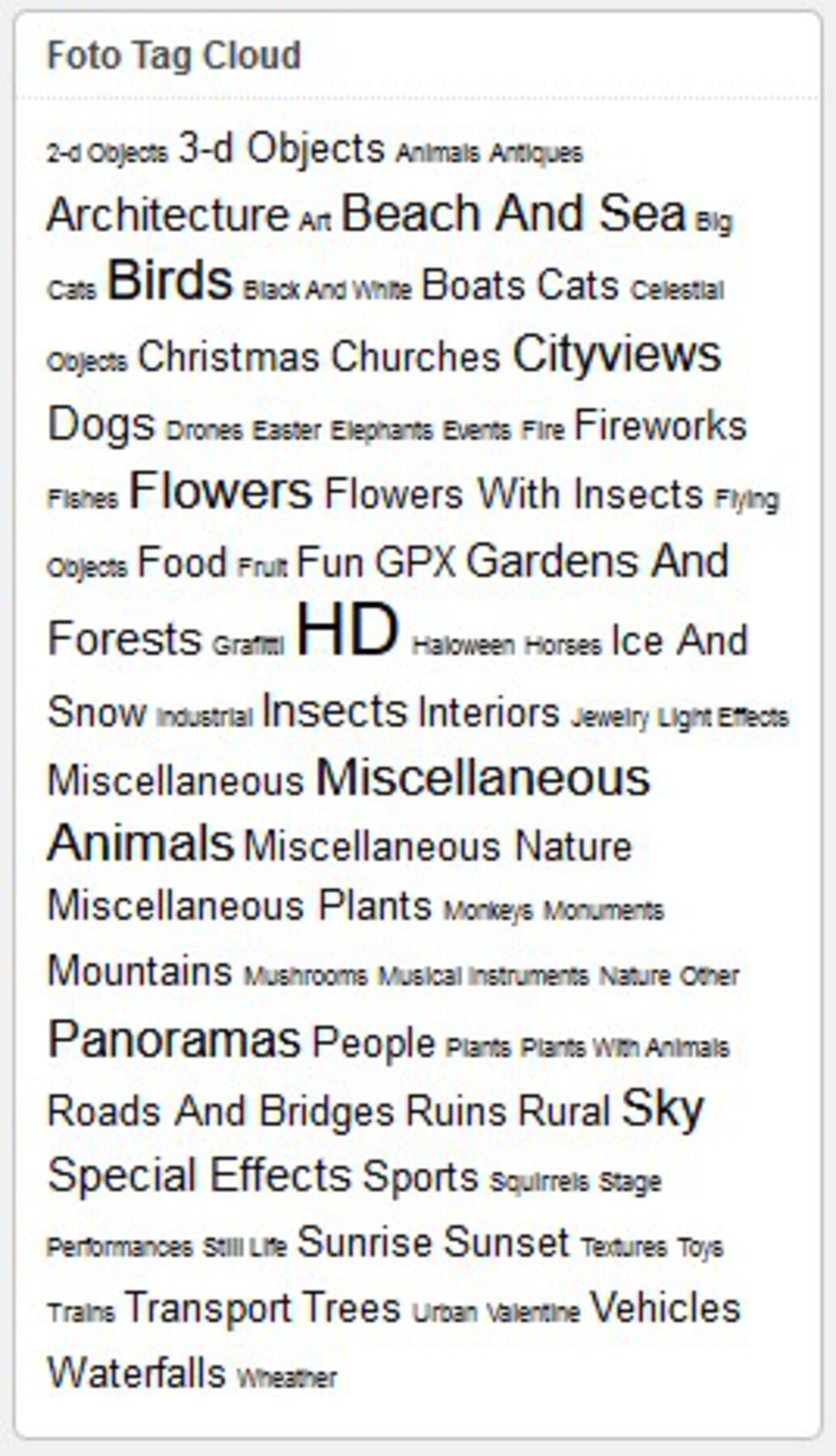
Tagcloud


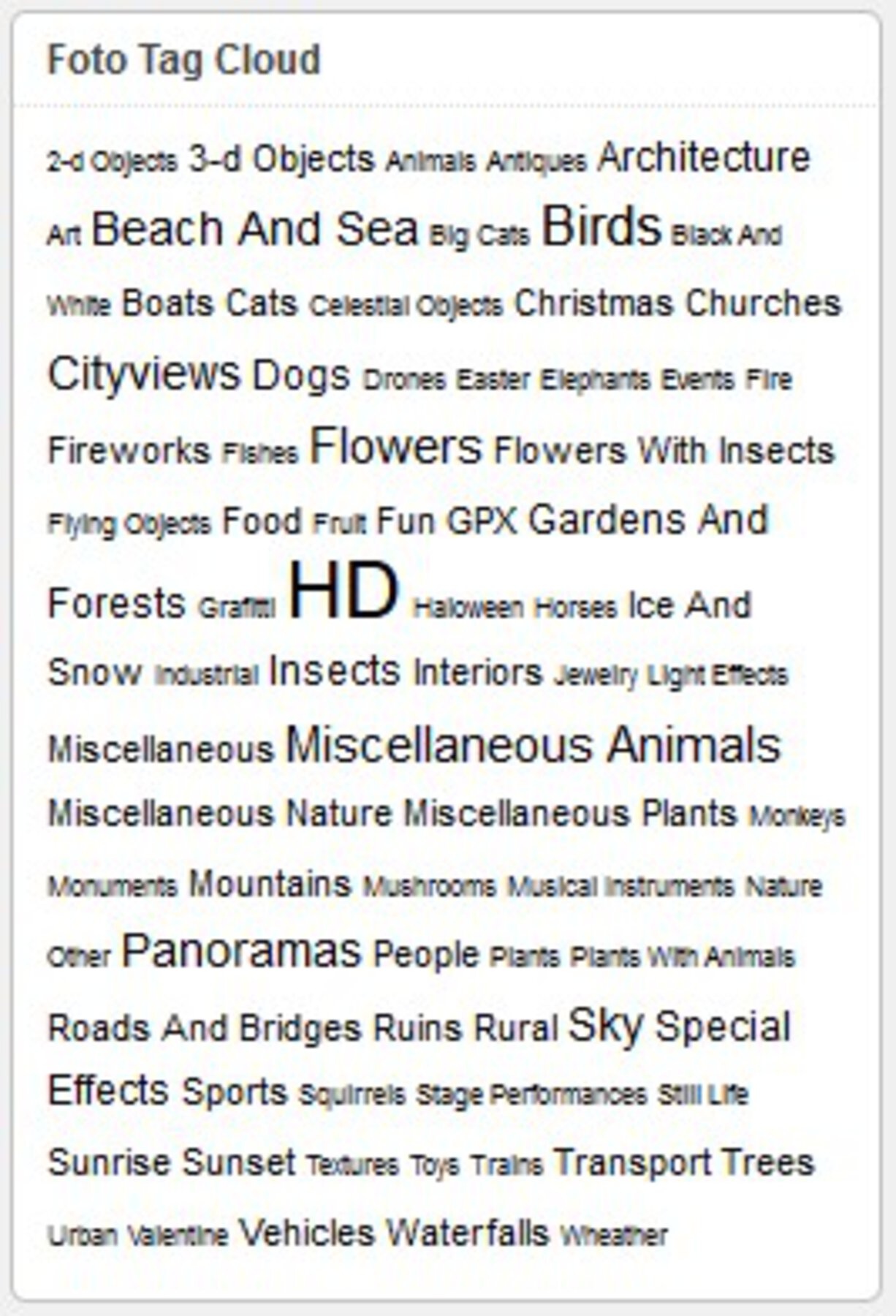
The Photo Tagcloud feature enables you to quickly find photos having certain tags. Both in the widget as in the shortcode version, you can limit the cloud to a certain set of tags. In the widget select the tags in the multi selection box at widget activation; in the shortcode, add the attribute taglist="tag1,tag2", any number of tags, seperated by comma's, no spaces.

The shortcodes on this page are:
[wppa type="landing"]
[wppa type="tagcloud"]

I have set the landing page to this page in Basic settings -> Links -> III: Links from items and images in widgets -> Item 11: Tagcloud Link. This makes that the results are displayed on this page, while the tagcloud box is not replaced by the results. If you want the tagcloud box above the results, put the landing shortcode below the tagcloud shortcode, and set the occur to 2 at the very right hand side of Basic settings -> Links -> III: Links from items and images in widgets -> Item 11: Tagcloud Link, because you want the results displayed on the second shortcode occurrance on the page.

4878
 FIRST 
Menorca (supton)
Menorca in October 2018
Rating: 5.00
240 views
4723
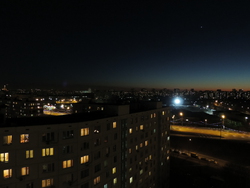
Night (Inglar)
New Year
127 views
4722
 FIRST 
Night (Inglar)
City night
Rating: 4.00
117 views
4229
20160523_185157 (wppa-admin)
Camera info

https://wppa.nl/wp-content/wppa-pl/Public-Album/20160523_185157.jpg
Rating: 4.50
151 views
4228
 FIRST 
test (77.167.183.239)
Camera info

https://wppa.nl/wp-content/wppa-pl/Public-Album/test.jpg
126 views
3968
 FIRST 
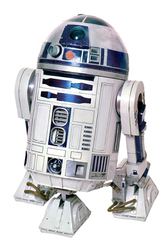
r2.jpg (bob12)
Whor2d2
Whatdroid
Wherespace
Whennow
Camera info

https://wppa.nl/wp-content/wppa-pl/Public-Album/r2.jpg
Rating: 5.00
659 views
3844
48856.jpg (wppa-admin)
Camera info

https://wppa.nl/wp-content/wppa-pl/Public-Album/48856.jpg
112 views
3794
5.JPG (Knucki)
140 views
3793
4.JPG (Knucki)
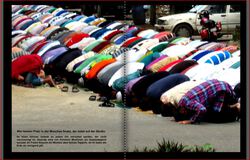
Moslems praying
117 views
3775
image1.php.jpg (bronek)
119 views
3774
 FIRST 
image.php.jpg (bronek)
Camera info

https://wppa.nl/wp-content/wppa-pl/Public-Album/image.php_.jpg
104 views
2311
HPIM3116.JPG (wppa-admin)
Camera info
Views: 332 times
Unavailable
Rating: 5.00
332 views
2283
HPIM2544.JPG (wppa-admin)
Camera info
Views: 139 times
https://wppa.nl/wp-content/wppa-pl/Public-Album/HPIM2544.JPG
139 views
2282
HPIM2539.JPG (wppa-admin)
Camera info
Views: 270 times
https://wppa.nl/wp-content/wppa-pl/Public-Album/HPIM2539.JPG
Rating: 4.00
270 views
2270
HPIM2552.JPG (opajaap)
Camera info
Views: 294 times
https://wppa.nl/wp-content/wppa-pl/Public-Album/HPIM2552.JPG
Rating: 4.00
294 views
2269
Afb001.jpg (opajaap)
Camera info
Views: 186 times
https://wppa.nl/wp-content/wppa-pl/Public-Album/Afb001.jpg
186 views
2232
 FIRST 
IMG_1117.jpg (JG)
Camera info
Views: 234 times
Unavailable
Rating: 5.00
234 views
2198
Kimmy120122.JPG (wppa-admin)
Camera info
Views: 163 times
https://wppa.nl/wp-content/wppa-pl/Public-Album/Kimmy.JPG
163 views
2197
Kimmy_pixel.JPG (wppa-admin)
Camera info
Views: 183 times
https://wppa.nl/wp-content/wppa-pl/Public-Album/Kimmy_pixel.JPG
183 views
2194
Pijnacker Oostlaan (wppa-admin)
Camera info
Views: 178 times
https://wppa.nl/wp-content/wppa-pl/Public-Album/HPIM2419.JPG
178 views

In Basic settings -> Widget -> I: General widget size settings -> Items 14 and 15 you can set the minimum and maximum font sizes (default 8 and 24px).
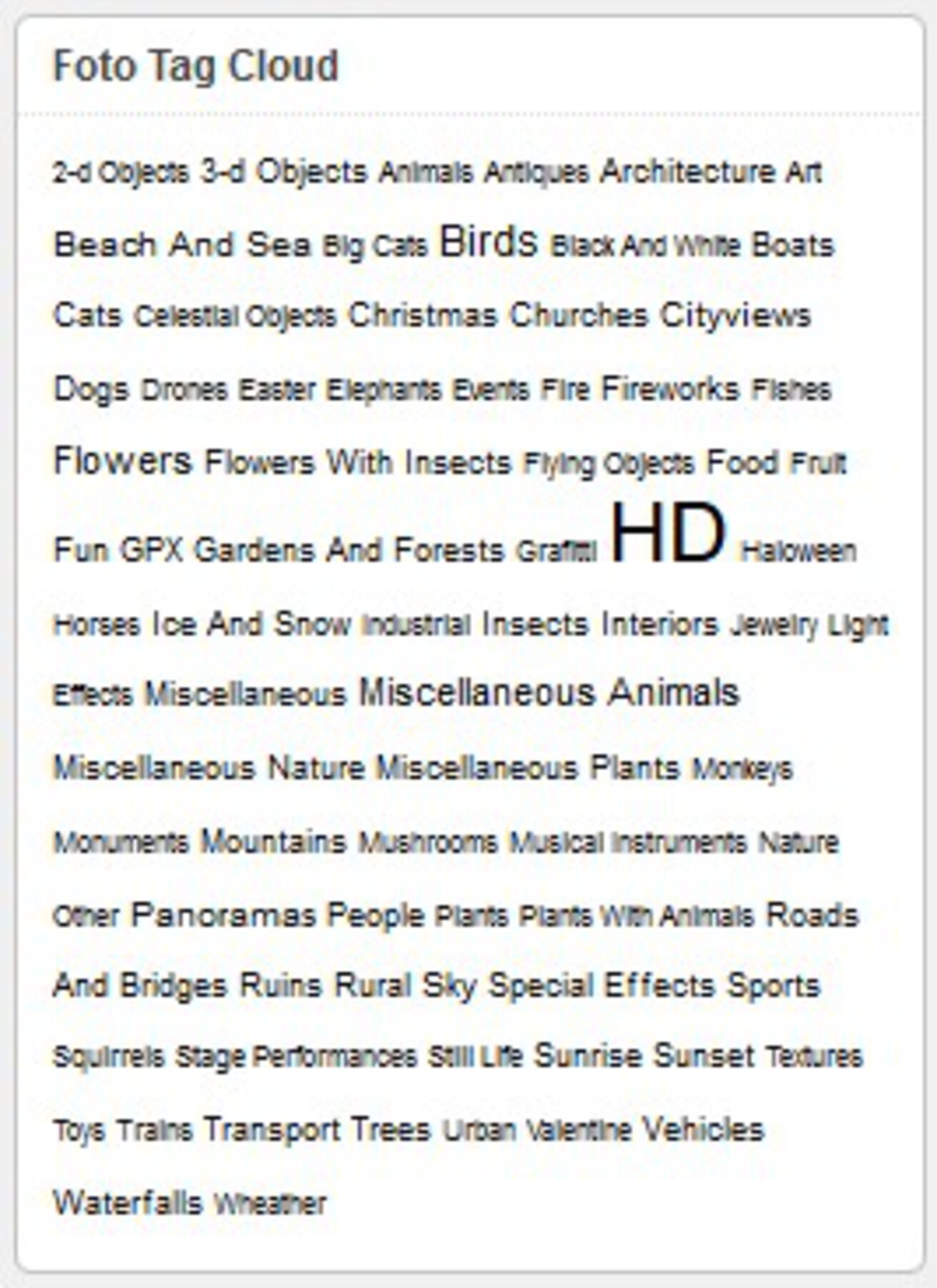
In Basic settings -> Widget -> I: General widget size settings -> Items 16 Tagcloud character sizing you can set the character sizing formula. To make the sizes more intuitively. Especially usefull when you have very different numbers of items per tag.
Examples (from a different site):
4914

Linear

4915

Quadratic

4913

Cubic