Best Of Photos


If the rating system is enabled in Basic settings -> General -> I Item 5: Enable Ratings and configured in Basic settings -> Rating according to your preferences, you can easely display the best recently rated photos using shortcode type="bestof"
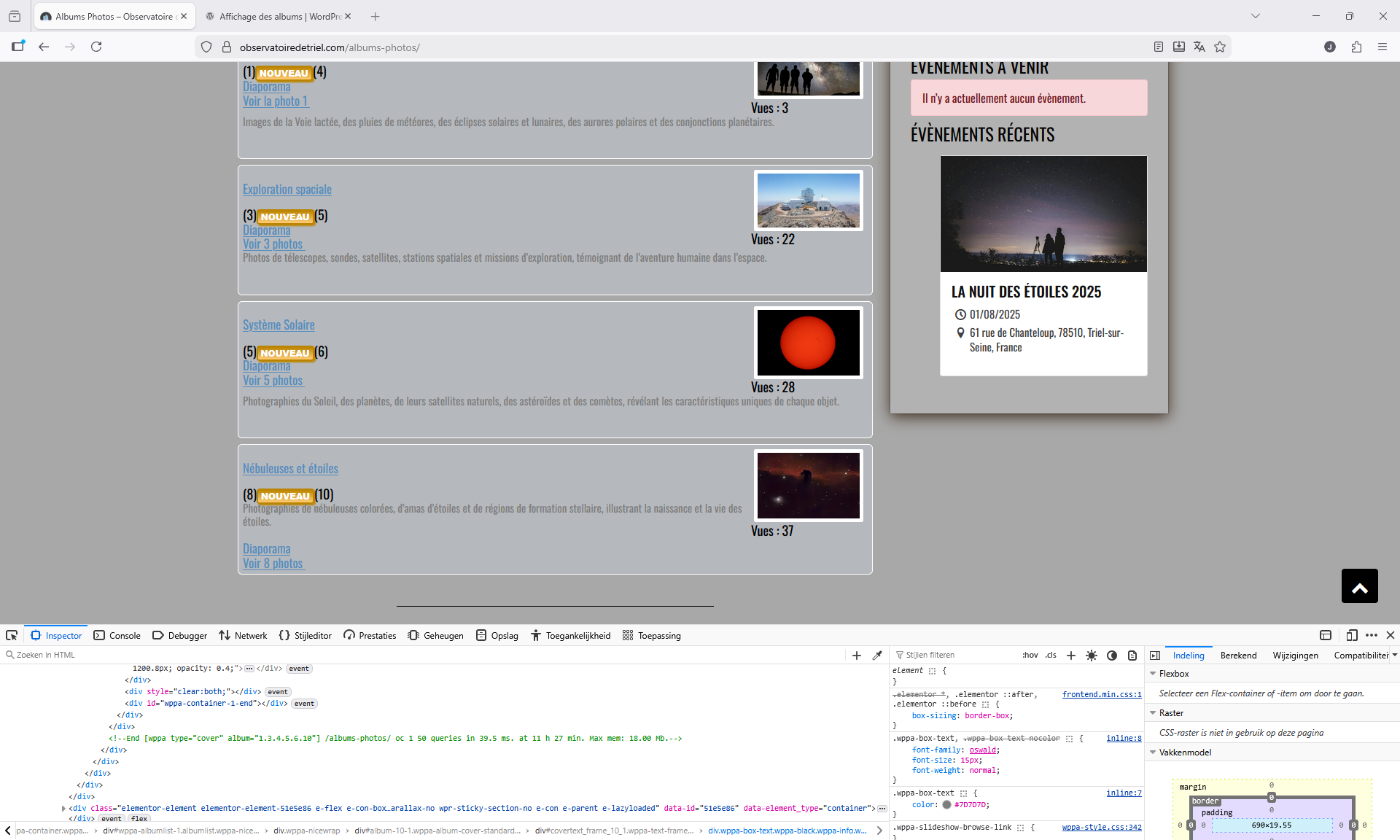
Example:
[wppa type="bestof" count="6" sortby="ratingcount" period="lastyear" height="120"]

Docs by subjectBest Of PhotosPhoto de Jaap Breetvelt
5054
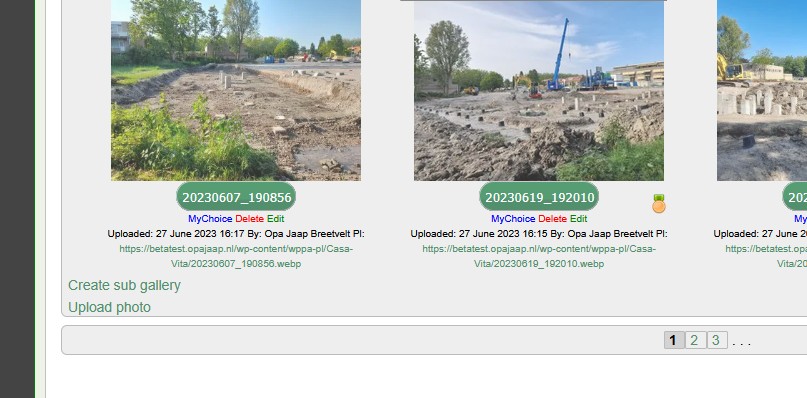
Schermafbeelding 2026-01-24 113255 (Jaap Breetvelt)
Camera info

https://wppa.nl/wp-content/wppa-pl/Screenshots/Schermafbeelding-2026-01-24-113255.png
94 vus
5053
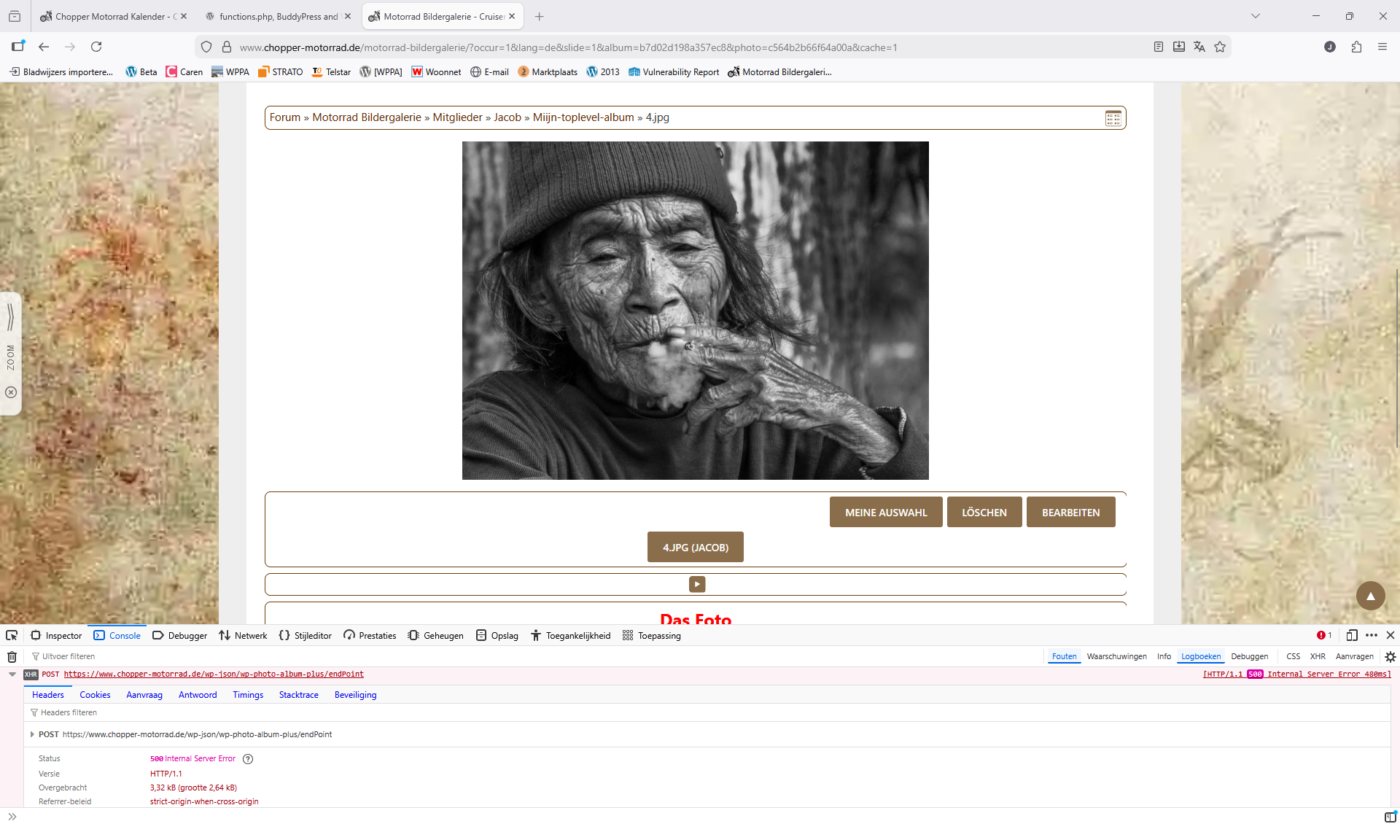
Server error Reiner (Jaap Breetvelt)
Camera info

https://wppa.nl/wp-content/wppa-pl/Screenshots/Server-error-Reiner.png
69 vus
5052
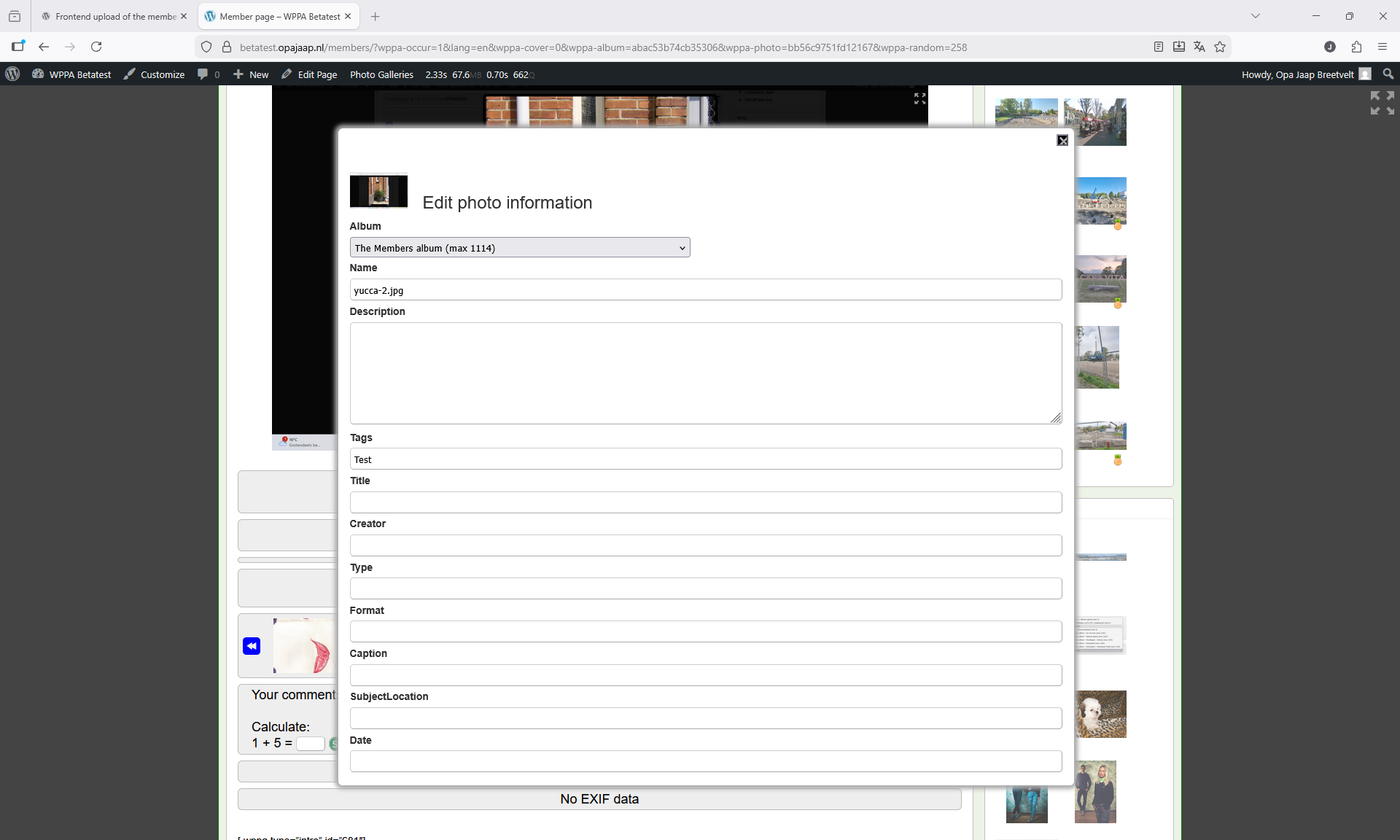
Edit photo info (Jaap Breetvelt)
Camera info

https://wppa.nl/wp-content/wppa-pl/Screenshots/Edit-photo-info.png
61 vus
5050
Edit bp menu (Jaap Breetvelt)
443 vus
5051
The users albums display (Jaap Breetvelt)
431 vus
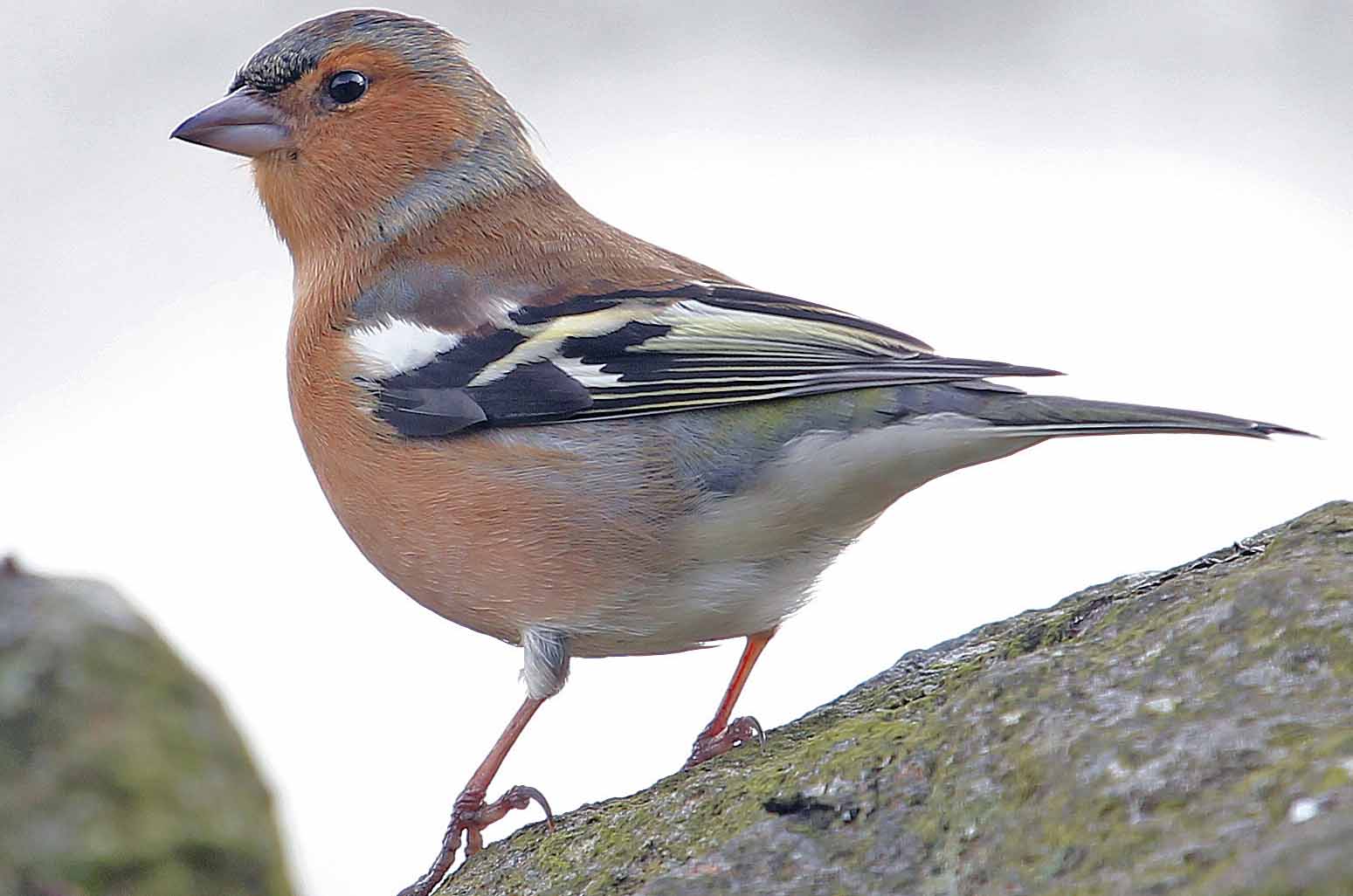
5048
Vogel (Jaap Breetvelt)
Camera info

https://wppa.nl/wp-content/wppa-pl/Jaap-Breetvelt/Vogel.jpg
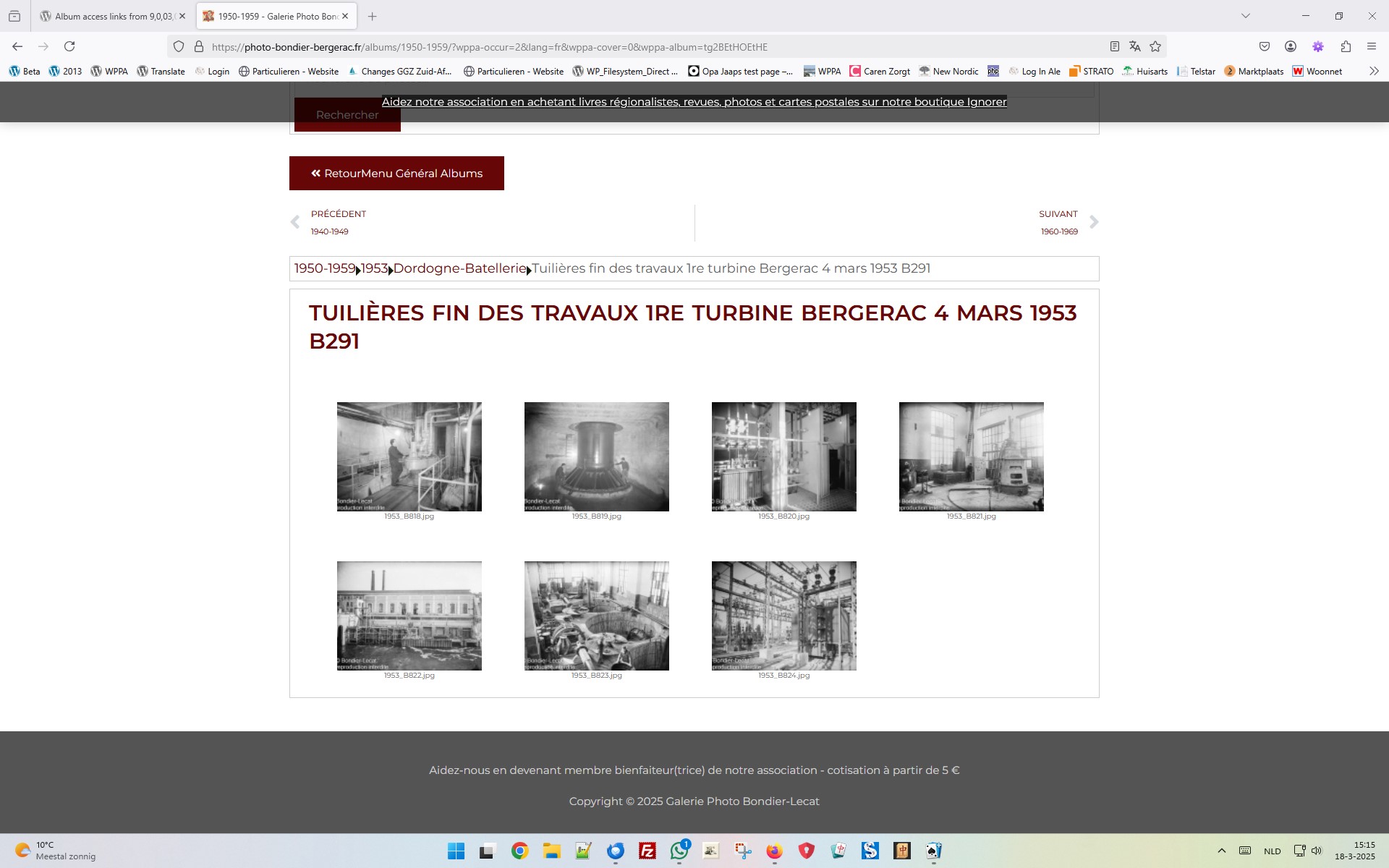
190 vus
5047
Schermafbeelding 2025-03-18 151603 (Jaap Breetvelt)
Camera info

https://wppa.nl/wp-content/wppa-pl/Screenshots/Schermafbeelding-2025-03-18-151603.jpg
278 vus
5045
Tortoise check for modifications (Jaap Breetvelt)
Camera info

https://wppa.nl/wp-content/wppa-pl/Screenshots/Tortoise-check-for-modifications.jpg
195 vus
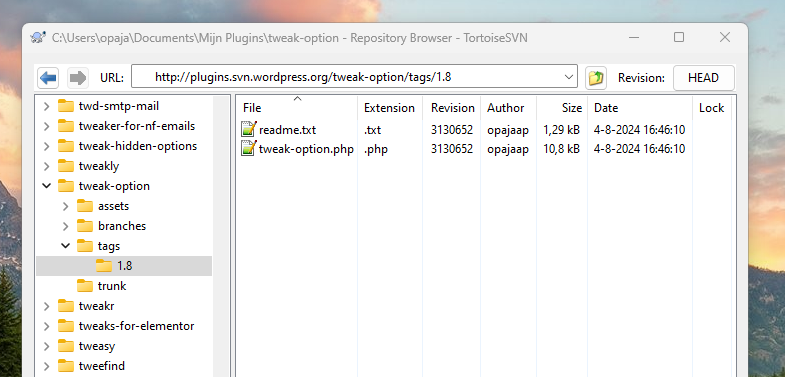
5043
Tweak-option-repo-screenshot (Jaap Breetvelt)
Camera info

https://wppa.nl/wp-content/wppa-pl/Screenshots/Tweak-option-repo-screenshot.png
186 vus
5040
Edit Video (Jaap Breetvelt)
153 vus
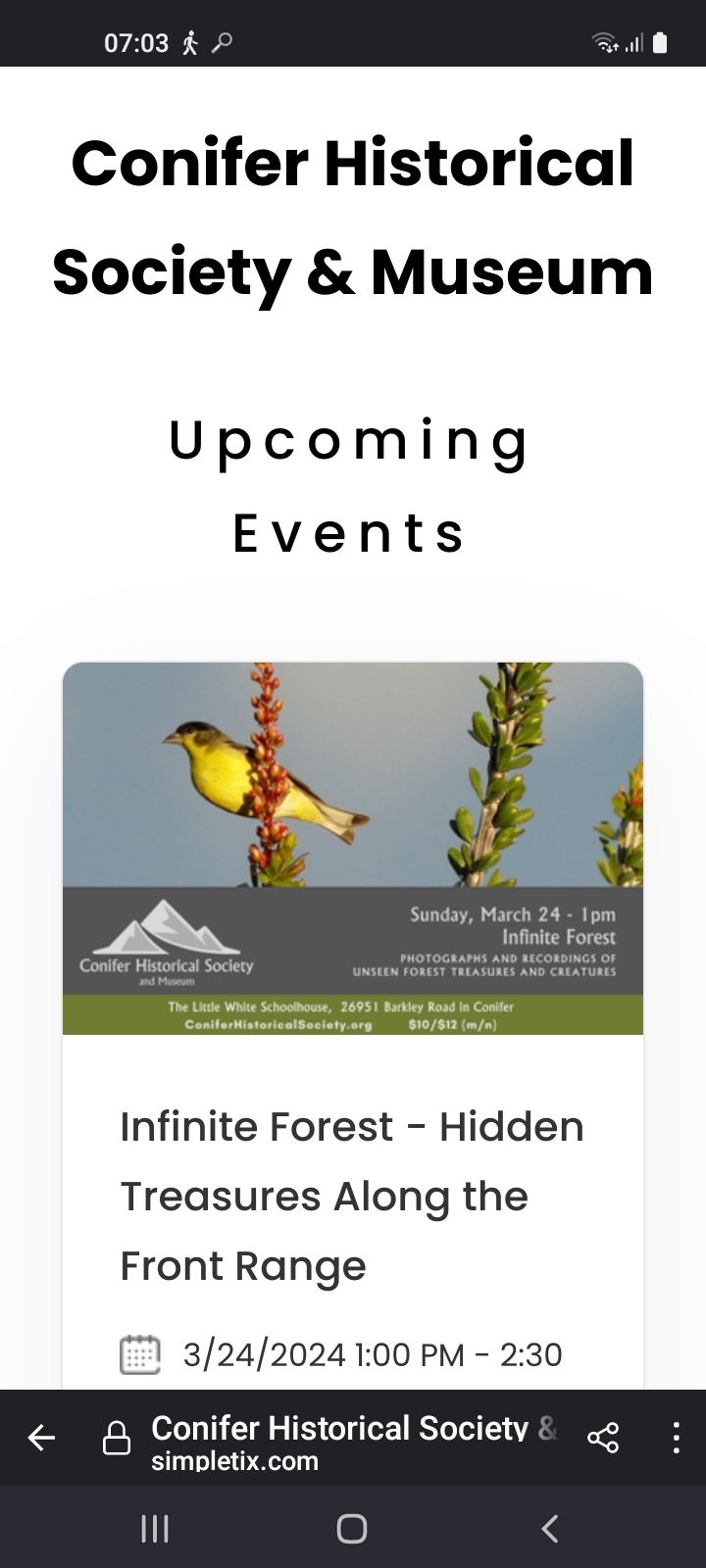
5038
Screenshot_20240315-070349_Firefox (Jaap Breetvelt)
Camera info

https://wppa.nl/wp-content/wppa-pl/Screenshots/Screenshot_20240315-070349_Firefox.jpg
117 vus
5037
Schermafbeelding 2024-02-09 122709 (Jaap Breetvelt)
Camera info

https://wppa.nl/wp-content/wppa-pl/Screenshots/Schermafbeelding-2024-02-09-122709.png
Notes: 5.00
116 vus
5036
Schermafbeelding 2024-02-07 190706 (Jaap Breetvelt)
Camera info

https://wppa.nl/wp-content/wppa-pl/Screenshots/Schermafbeelding-2024-02-07-190706.png
113 vus
5035
Schermafbeelding 2023-12-03 132950 (Jaap Breetvelt)
Camera info

https://wppa.nl/wp-content/wppa-pl/Screenshots/Schermafbeelding-2023-12-03-132950.png
126 vus
5032
Replace-by-upload-zip (Jaap Breetvelt)
Camera info

https://wppa.nl/wp-content/wppa-pl/Screenshots/Replace-by-upload-zip.jpg
125 vus
5031
Schermafbeelding 2023-05-09 130432 (Jaap Breetvelt)
Camera info

https://wppa.nl/wp-content/wppa-pl/Screenshots/Schermafbeelding-2023-05-09-130432.jpg
143 vus
5029
Schermafbeelding 2023-03-24 110450 (Jaap Breetvelt)
105 vus
5026
opus-22 (Jaap Breetvelt)
Camera info

https://wppa.nl/wp-content/wppa-pl/Opus-22/opus-22.jpg
89 vus
5025
Thema met variaties uit Sonate V in d, C. Ph. E. Bach (6) (Jaap Breetvelt)
Camera info

https://wppa.nl/wp-content/wppa-pl/Opus-22/audiostub.jpg
108 vus
5024
Thema met variaties uit Sonate V in d, C. Ph. E. Bach (5) (Jaap Breetvelt)
Camera info

https://wppa.nl/wp-content/wppa-pl/Opus-22/audiostub.jpg
96 vus

The shortcode version supports the following optional atributes:

Attribute (default) Example Meaning
page (0) page="4711" linkpage
count (1) count="12" max number to show
sortby (maxratingcount) sortby="meanrating" the selection criterium. Must be one ot of "maxratingcount", "meanrating", "ratingcount" or "totvalue"
display (photo) display="owner" what to show. Must be one out of "photo" or "owner"
period (thisweek) period="lastyear" the period to look for. Must be one out of "lastweek", "thisweek", "lastmonth", "thismonth", "lastyear" or "thisyear"
maxratings (yes) maxratings="no" Whether to display the number of max ratings. Either "yes" or "no"
meanrat (yes) meanrat="no" Whether to display the mean rating. Either "yes" or "no"
ratcount (yes) ratcount="yes" Whether to display the number of votes. Either "yes" or "no"
totvalue (no) totvalue="no" Whether to display the total count of votes. Either "yes" or "no"
linktype (none) linktype="owneralbums" What to show on the linkpage. Must be one out of "none", "owneralbums", "ownerphotos" or "upldrphotos"
fontsize (The setting in Basic settings -> Layout -> V: Fonts -> Item 10: Widget thumbs fontsize) fontsize="10" The size of the font used in the subtitles
lineheight (fontsize * 1.5) lineheight="15" The lineheight for the subtitles
height (200) height="120" The total height of the displayed images Staring at version 6.8.04 this value is the maximum for the width and the height of the image

The feature is also available as widget.
The first widget shows the best rated photos last year based on mean value.

The second widget shows the best rated photos this year based on number of max ratings.

The second widget shows the names (and links to all their photos) of the best photographers of last year, based on number of max ratings.

You can select various time periods, selection critera and display options.