Tagcloud
The Photo Tagcloud feature enables you to quickly find photos having certain tags. Both in the widget as in the shortcode version, you can limit the cloud to a certain set of tags. In the widget select the tags in the multi selection box at widget activation; in the shortcode, add the attribute taglist="tag1,tag2", any number of tags, seperated by comma's, no spaces.
The shortcodes on this page are:
[wppa type="landing"]
[wppa type="tagcloud"]
I have set the landing page to this page in Basic settings -> Links -> III: Links from items and images in widgets -> Item 11: Tagcloud Link. This makes that the results are displayed on this page, while the tagcloud box is not replaced by the results. If you want the tagcloud box above the results, put the landing shortcode below the tagcloud shortcode, and set the occur to 2 at the very right hand side of Basic settings -> Links -> III: Links from items and images in widgets -> Item 11: Tagcloud Link, because you want the results displayed on the second shortcode occurrance on the page.
In Basic settings -> Widget -> I: General widget size settings -> Items 14 and 15 you can set the minimum and maximum font sizes (default 8 and 24px).
In Basic settings -> Widget -> I: General widget size settings -> Items 16 Tagcloud character sizing you can set the character sizing formula. To make the sizes more intuitively. Especially usefull when you have very different numbers of items per tag.
Examples (from a different site):
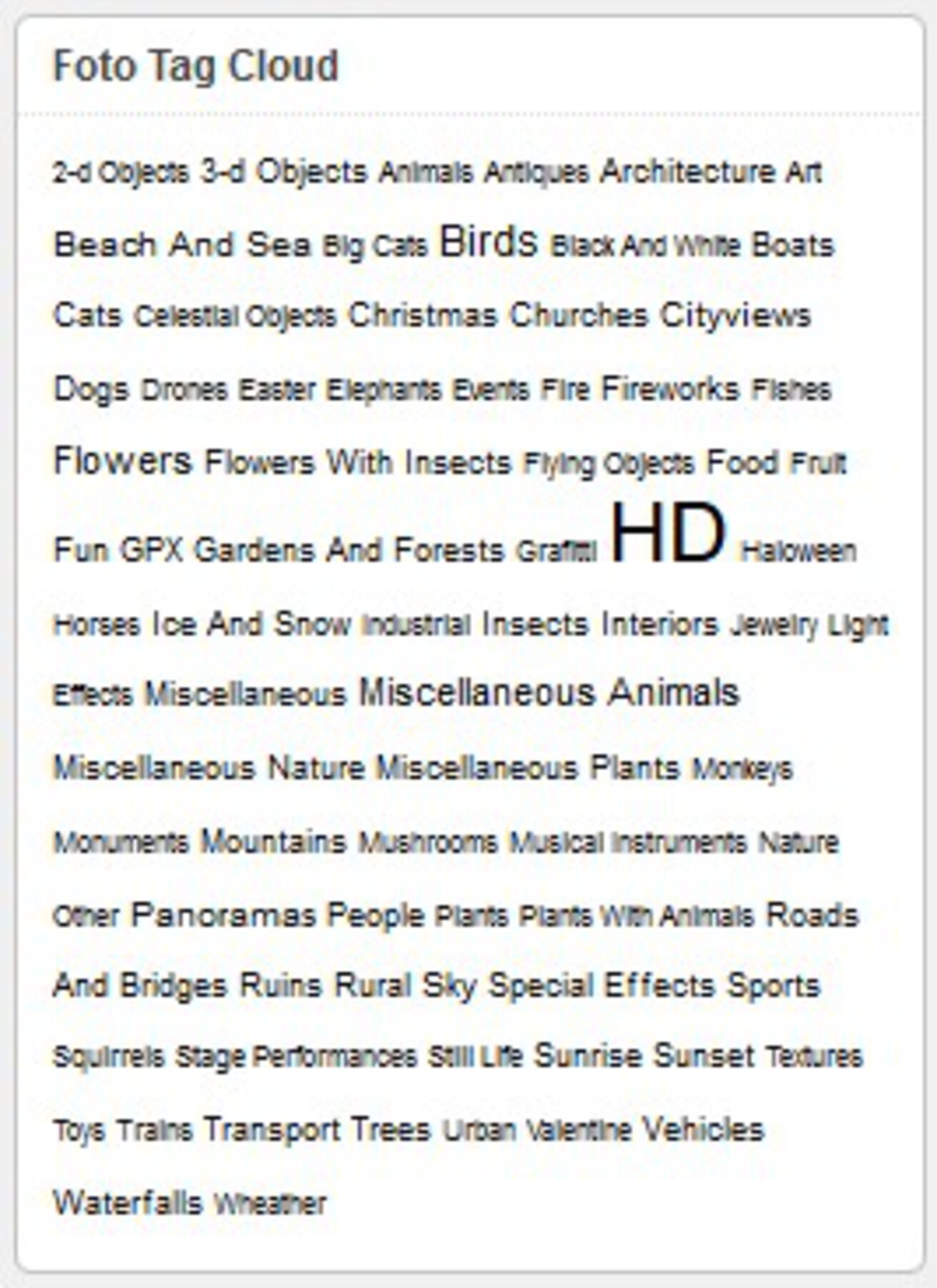 Linear |
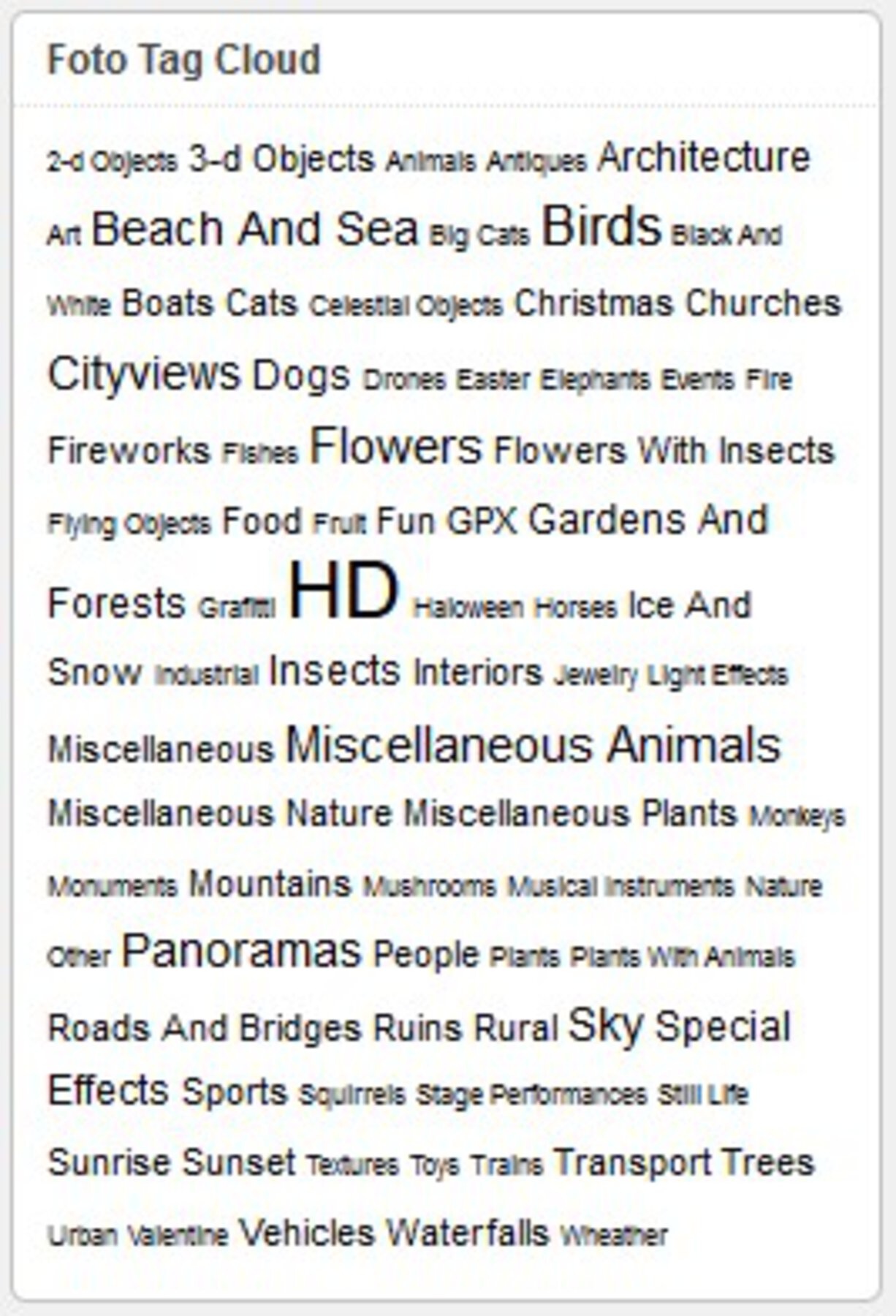 Quadratic |
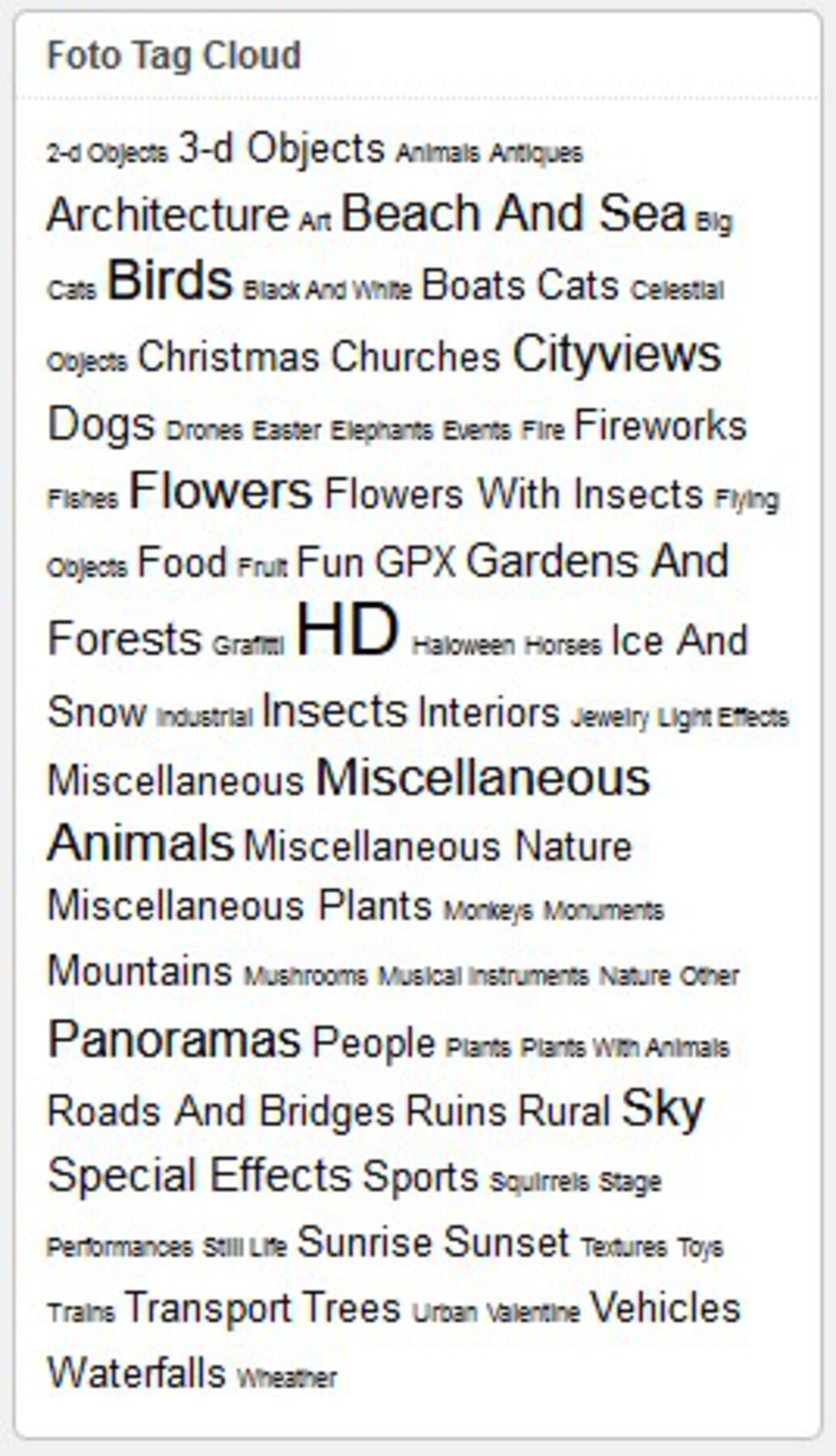 Cubic |