Lightbox
WPPA has an embedded lightbox feature. To use it, just select 'lightbox' as Link type in Basic settings -> Links -> II: Links from standard images of the Photo Albums -> Settings admin page..
The behaviour of the embedded lightbox is greatly configurable. See Basic settings -> Lightbox.
There are 2 modes of display:
- 'normal' i.e. with border and optionally subtext.
- 'fullsize' i.e. fullscreen, image displayed with its native aspect ratio, excessive screen space padded with the background as specified in the settings table.
You can specify the fullscreen policy in Advanced settings -> Syatem -> I -> Item 40: Fullscreen policy
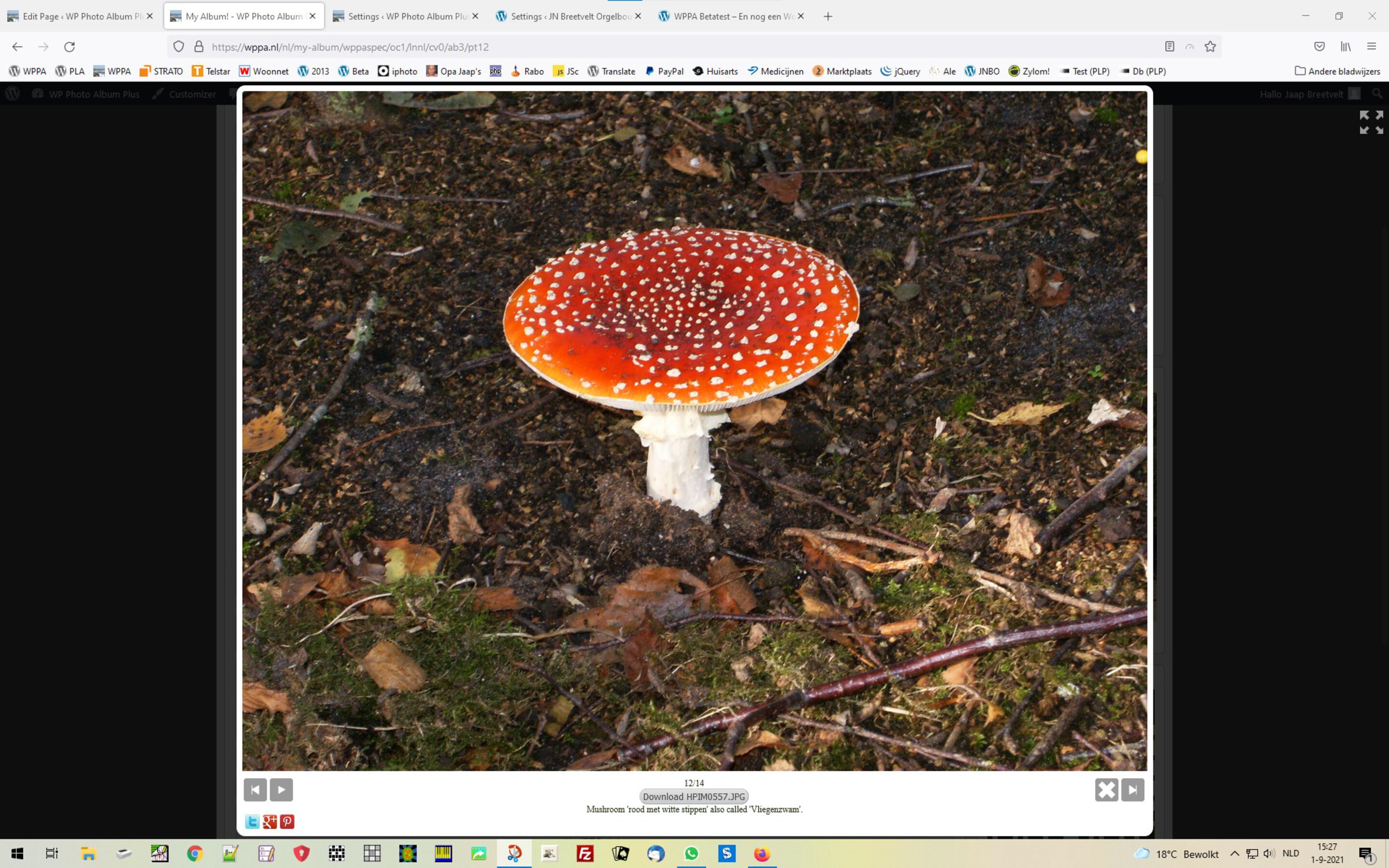
Lightbox in normal mode
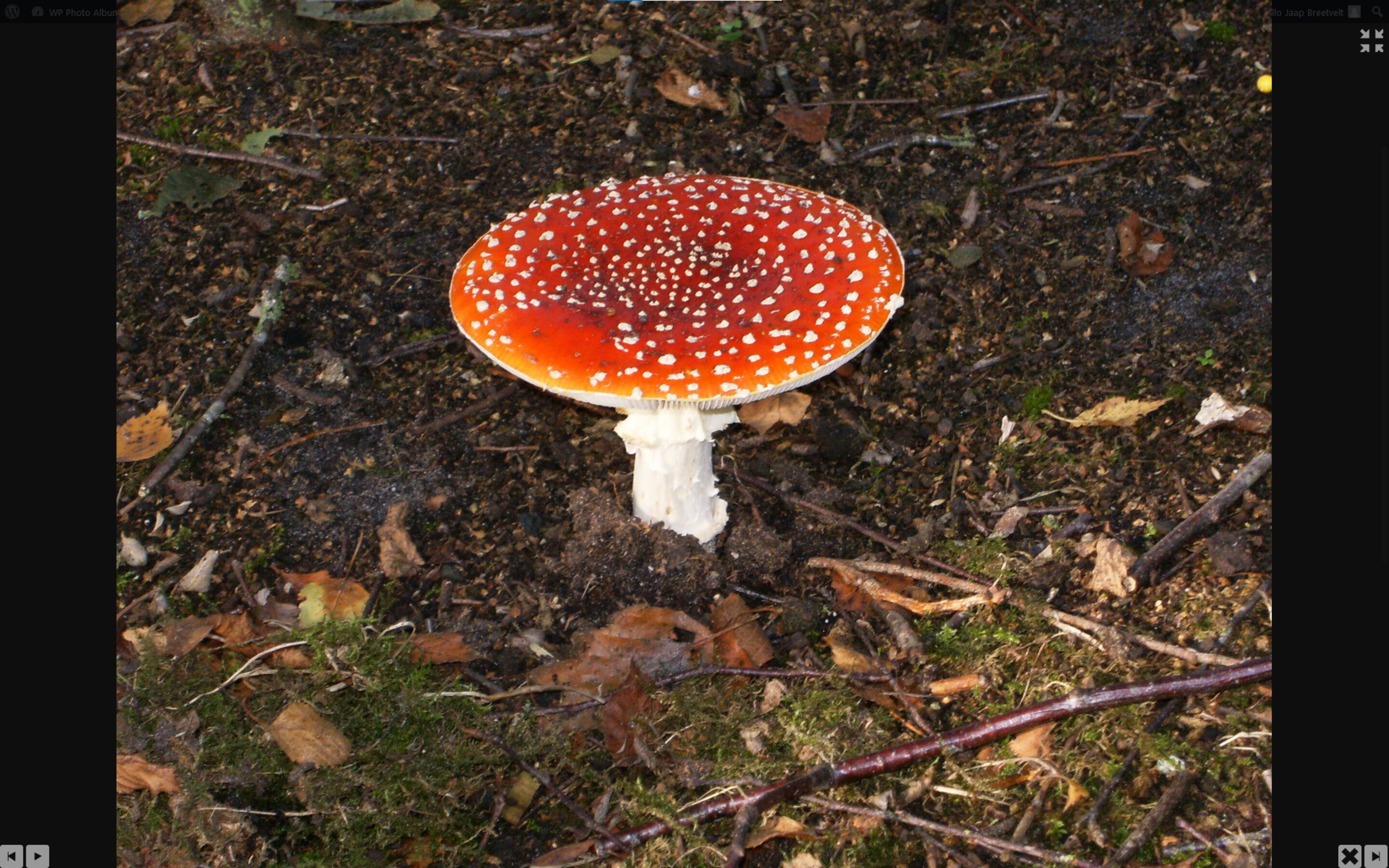
Lightbox in fullscreen mode
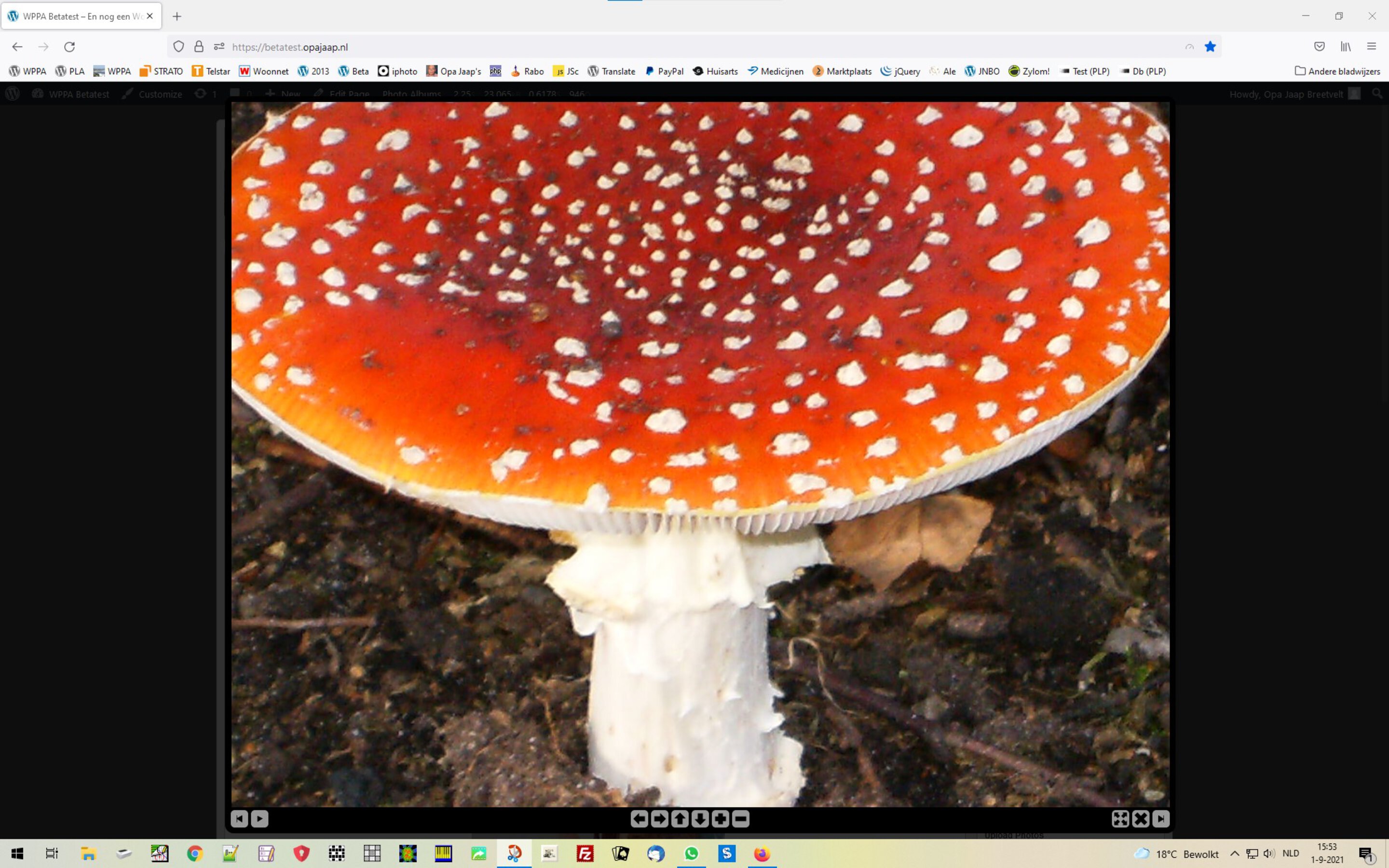
Lightbox with zoomable image
Black lightbox theme, normal mode, fullscreen policy set to lightbox only
Black lightbox theme, normal mode, fullscreen policy set to lightbox only